HOW IT WORKS ON IPHONE
SET UP IN THREE STEPS
- Open ZeroSpam and follow the in-app guide to switch on the message filter in iOS Settings.
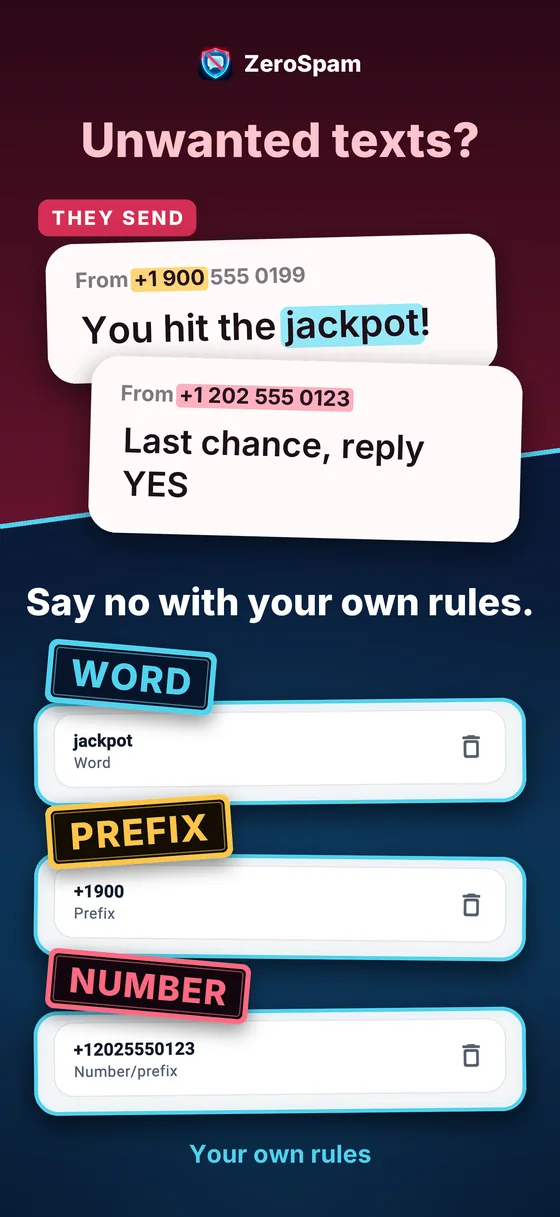
- Add your first rule: a word, a number or a prefix.
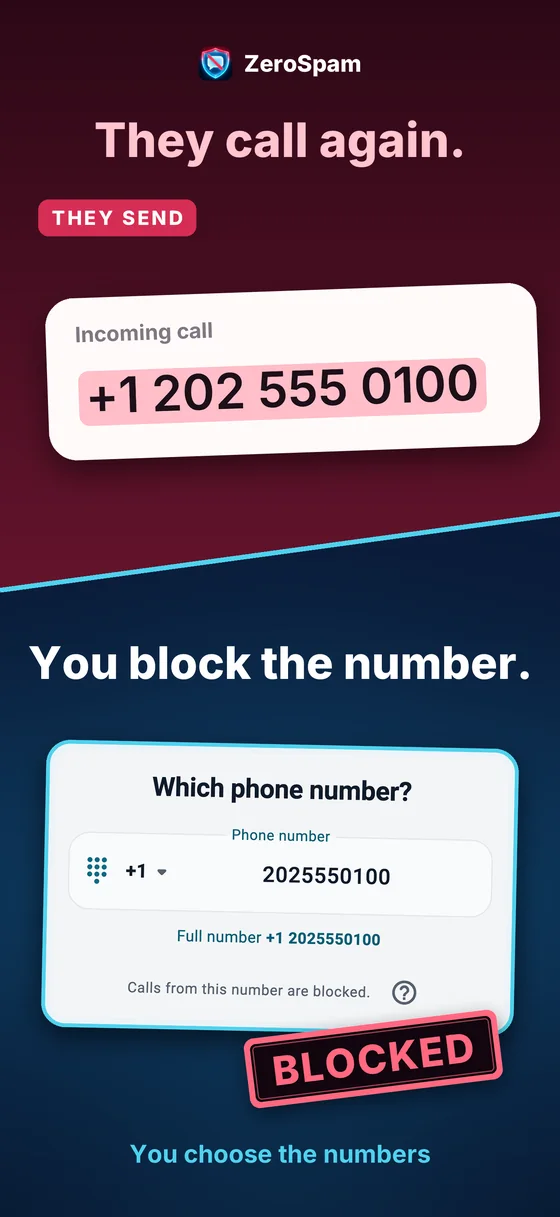
- Switch on call blocking in the in-app guide, then add the numbers you want to block from calling you.
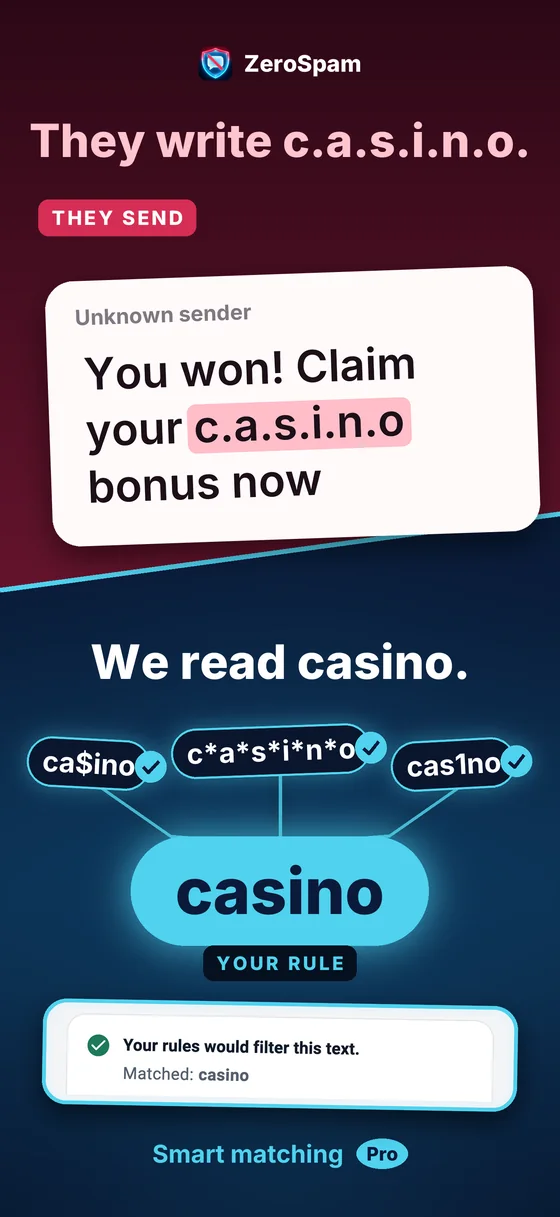
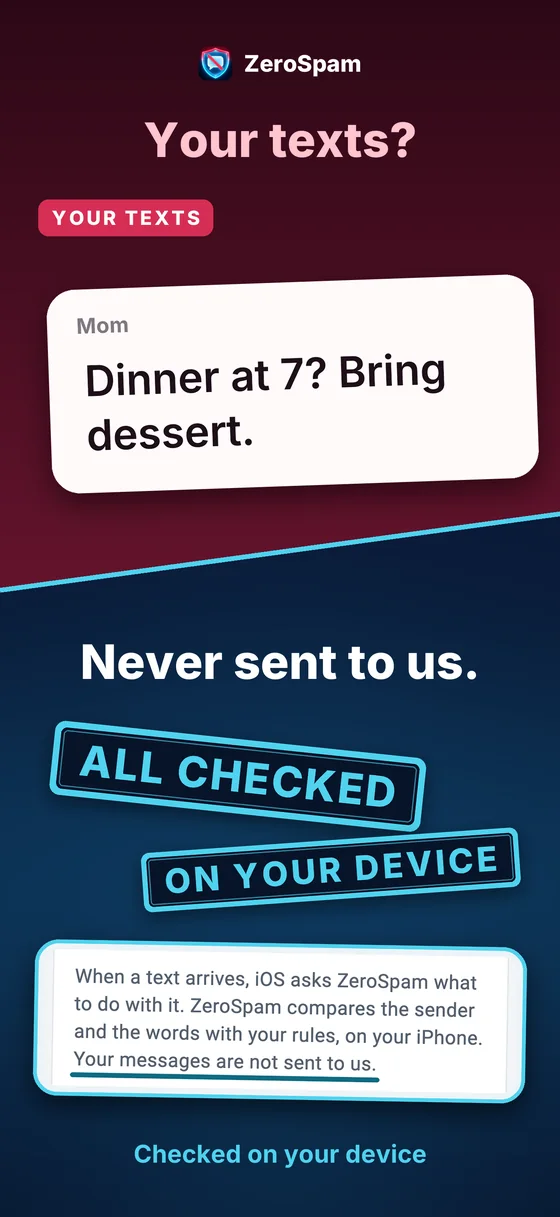
ZeroSpam works as an iOS message filter. When a text arrives from a sender who is not in your Contacts, iOS asks ZeroSpam what to do with it. ZeroSpam compares the sender and the words with your rules, on your iPhone. A text that matches goes to the spam list in Messages instead of your inbox. Apple applies message filters only to senders who are not in your Contacts, so messages from people you have saved are not filtered.
For calls, ZeroSpam uses Apple's call blocking. Once you switch it on, calls from the numbers you added are blocked.